
 Slides
Paste your notes. Get a presentation that looks designed.
Drop in your notes, an outline or a proposal you already wrote. It writes the slides in one of 47 looks, each in light or dark. Change a slide by asking. Present from the browser, send a link, or download a PDF or PowerPoint.
How it works
Paste. Pick a look. Present.
One paste becomes a finished presentation. Then change any slide by asking, or click the text and type.
What’s the message?
What’s it for?
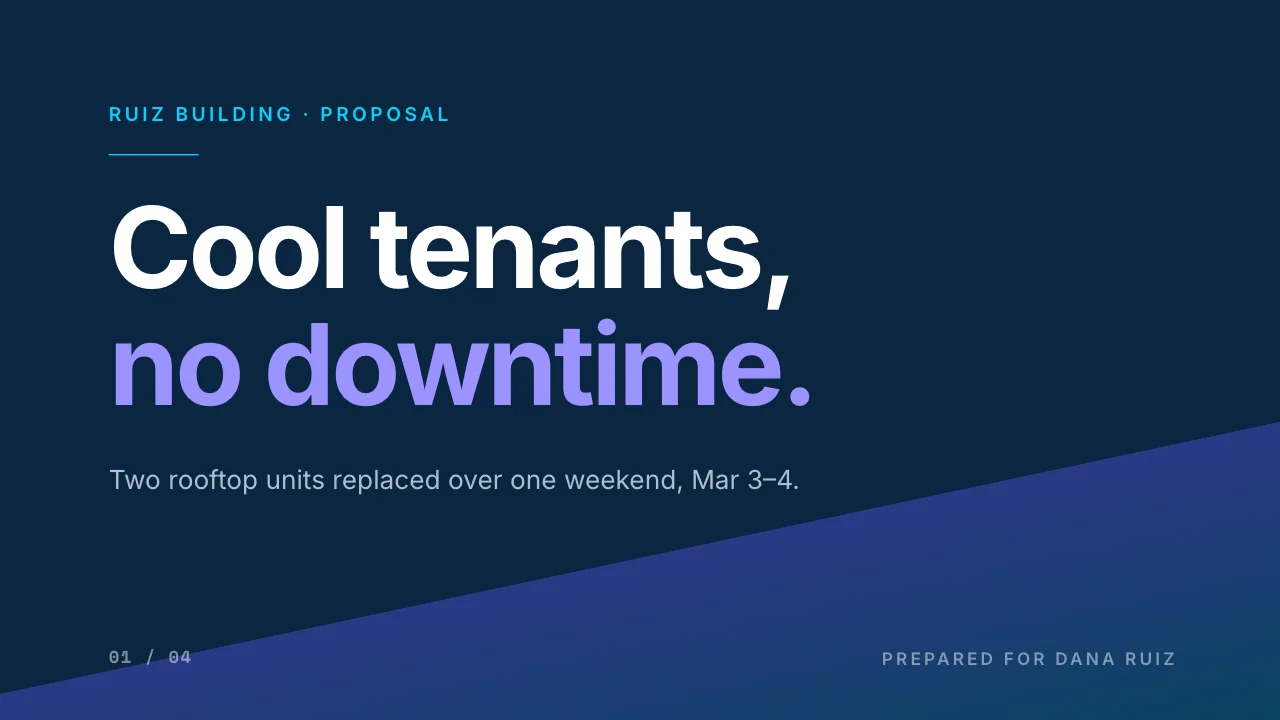
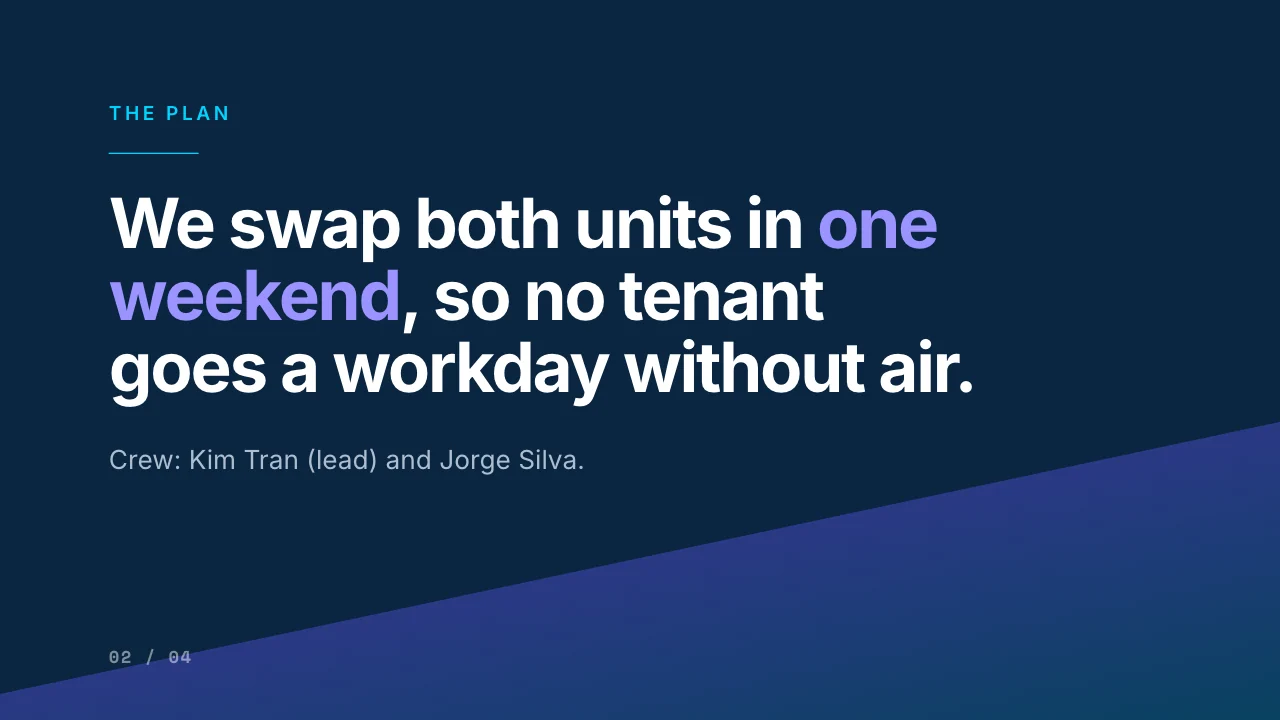

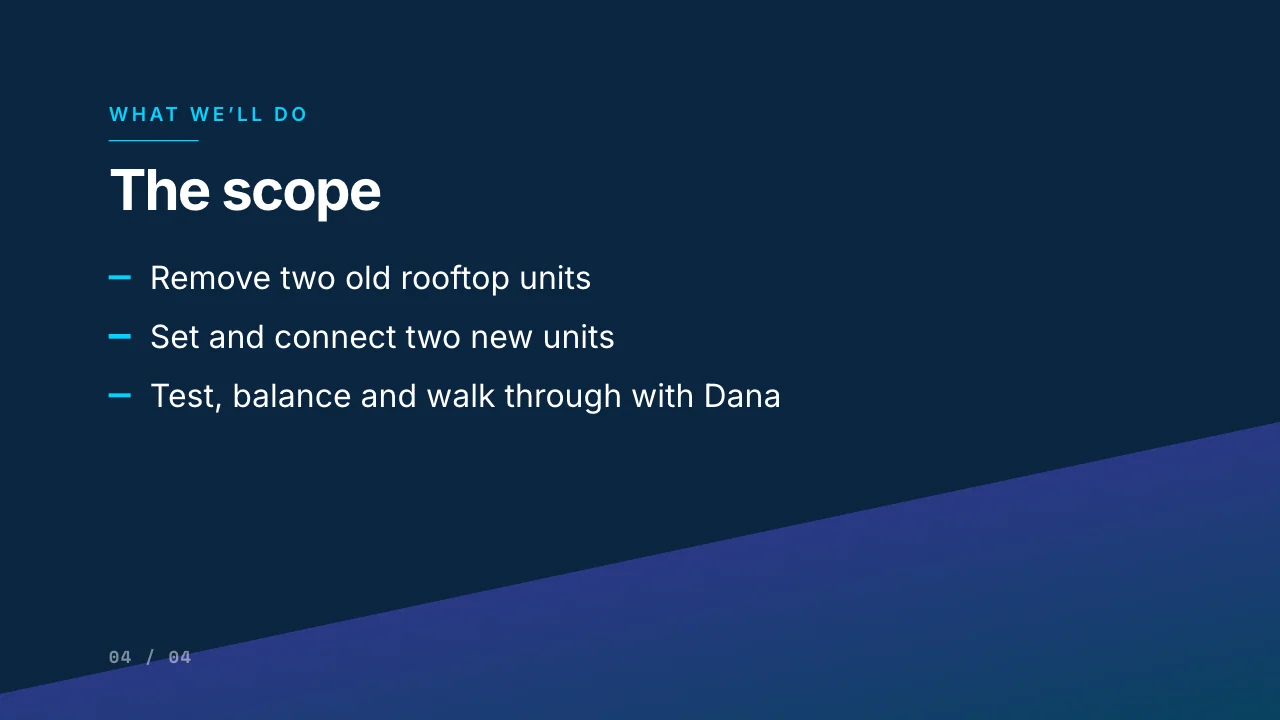
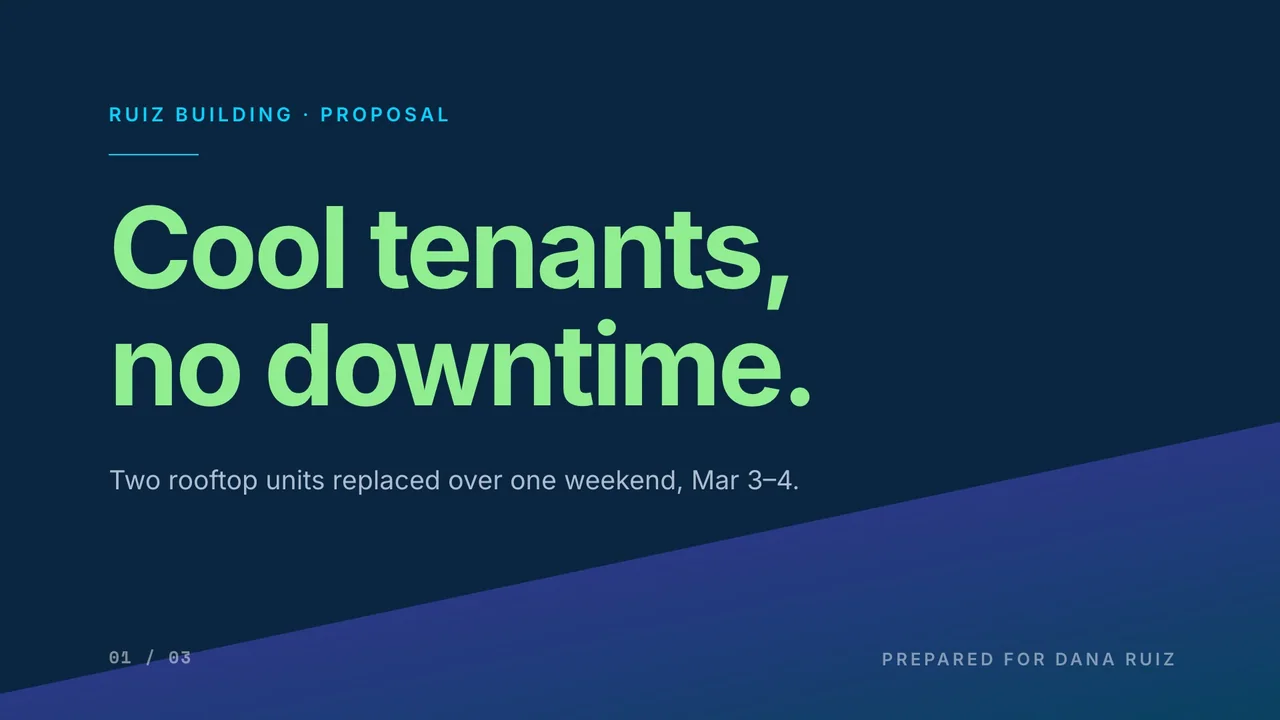
Slide 1Title
Tell AI what to change on this slide
Tip: click any text on the slide and type. Bold, color, size and alignment are in the small bar that appears.
The same proposal in 8 of the 47 looks and growing


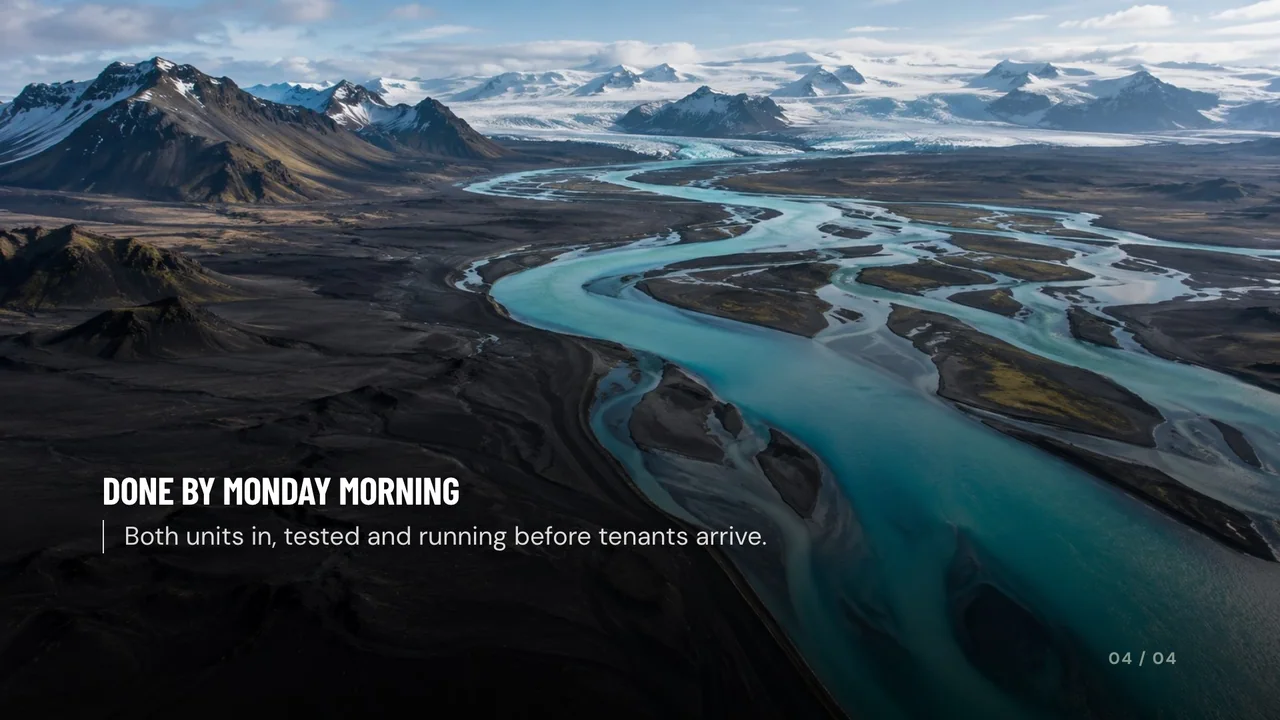

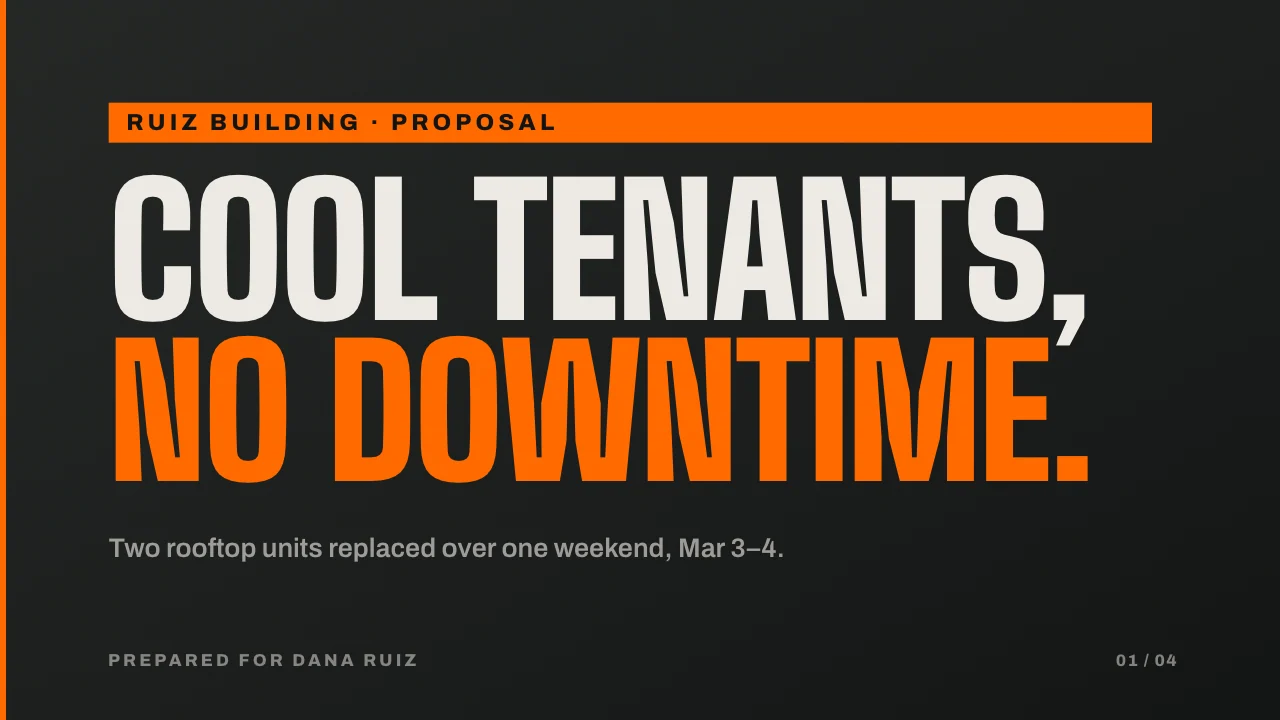
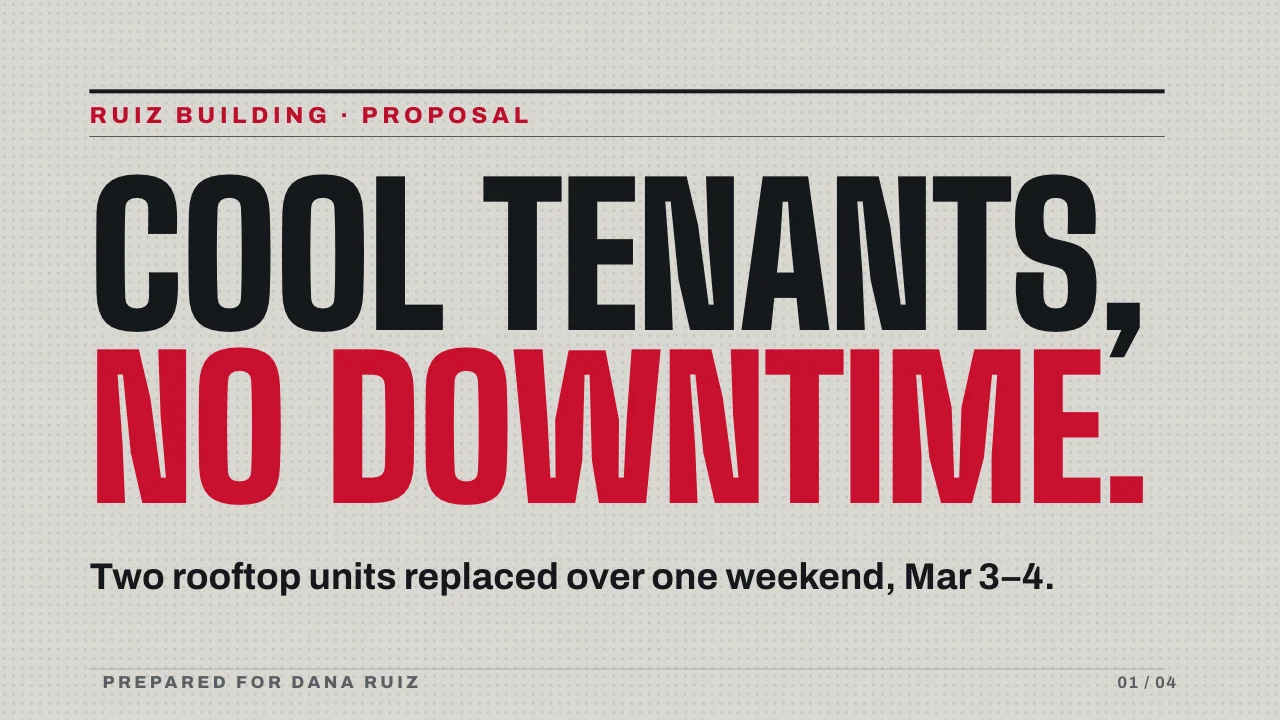
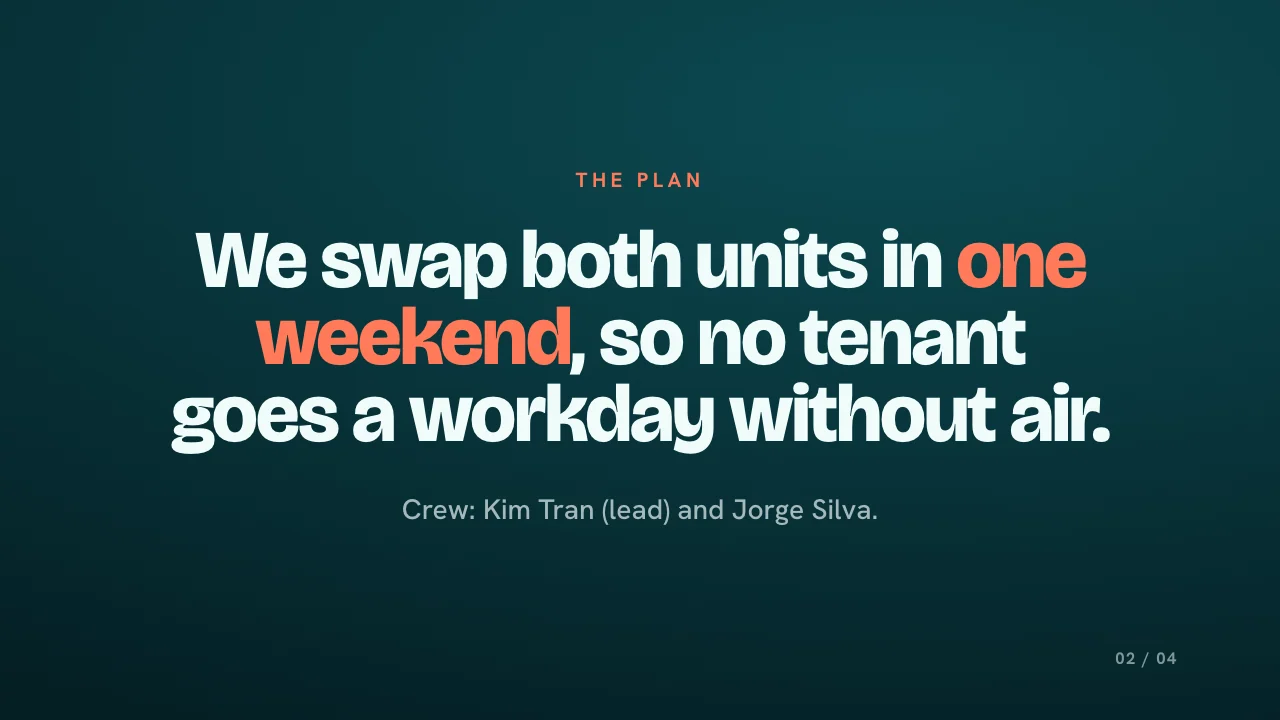
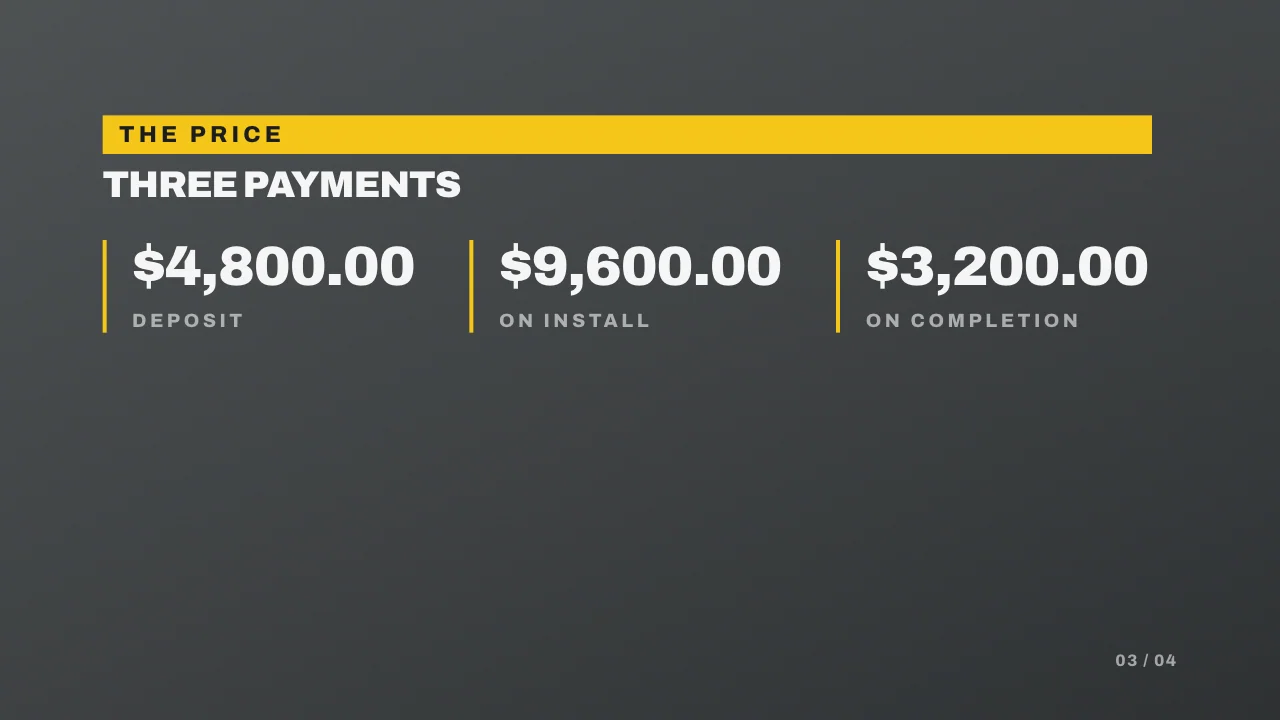
Sample presentation · illustrative content · every slide made in Slides
- PasteYour notes, an outline, a sermon or the proposal you already wrote. Or start from one of 11 templates.
- Pick a look47 designs, each in light and dark. Set your accent color, heading font and logo.
- Present or sendPresent full screen from the browser, publish a link anyone can open, or download PDF and PowerPoint.
Everything it does
What Slides does today.
Make a presentation
- Paste notes, an outline or a full document and get a finished presentation
- Say what it’s for: customer pitch, team meeting, bank or investor, board meeting, training, event, sermon
- See the outline before anything is built, then choose the length
- Start from 11 templates: customer pitch, board update, fundraising ask, volunteer training and more
Design
- 47 looks, each in a light and a dark version, with a filter for dark, light and photo looks
- Your accent color from 8 presets or any color you pick
- Choose the heading font or keep the look’s own
- Add your logo
- Pictures: none, free stock photos, or AI pictures, with progress you can see while they load
Edit
- Ask AI to change a slide in plain words: make the title bigger or light green, improve the writing, make it shorter, split it in two, fit it to the slide; one Undo reverses it
- Click any text and type; bold, color, size and alignment are in a small bar
- Speaker notes on every slide
- Undo, redo and a history of changes
- Duplicate a presentation to start the next one
Share and present
- Present full screen from the browser
- Publish a link anyone can open, no login (speaker notes stay private)
- Embed a published presentation on your website
- Invite someone to view or edit
- Download a PDF, a picture of each slide, or a PowerPoint (each slide is a picture, so it looks exactly right; edit the words in Slides)
Not yet: importing an existing PowerPoint or PDF.
Who uses it
Built for the presentations small businesses actually make.

Paste the scope and price; walk the owner through it on your tablet or send the link.
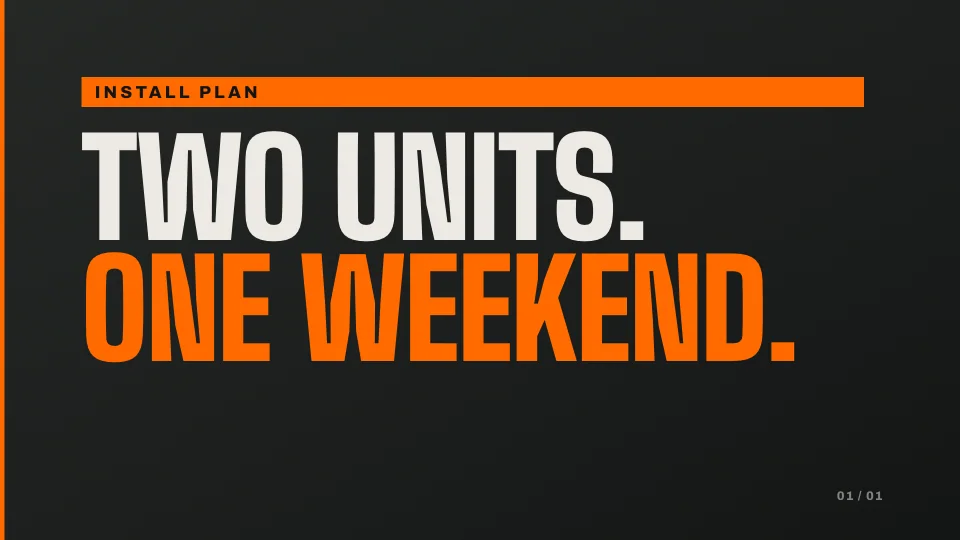
Who’s on site, what happens first, what safety looks like. Five slides, ten minutes.

Prices and specials on the screen by the counter, in your colors.

A short presentation for the window screen or a link in your texts.
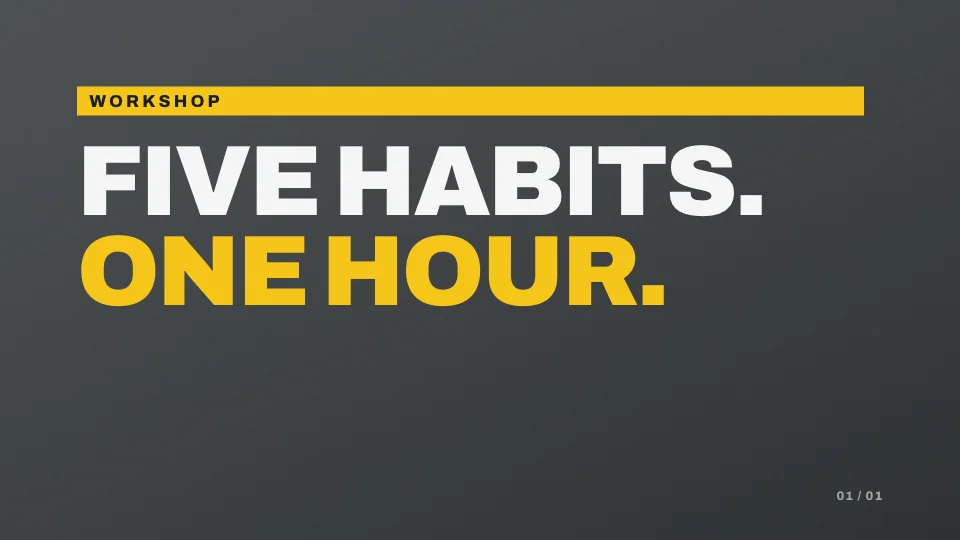
Your notes become the slides you teach from, with speaker notes for you.
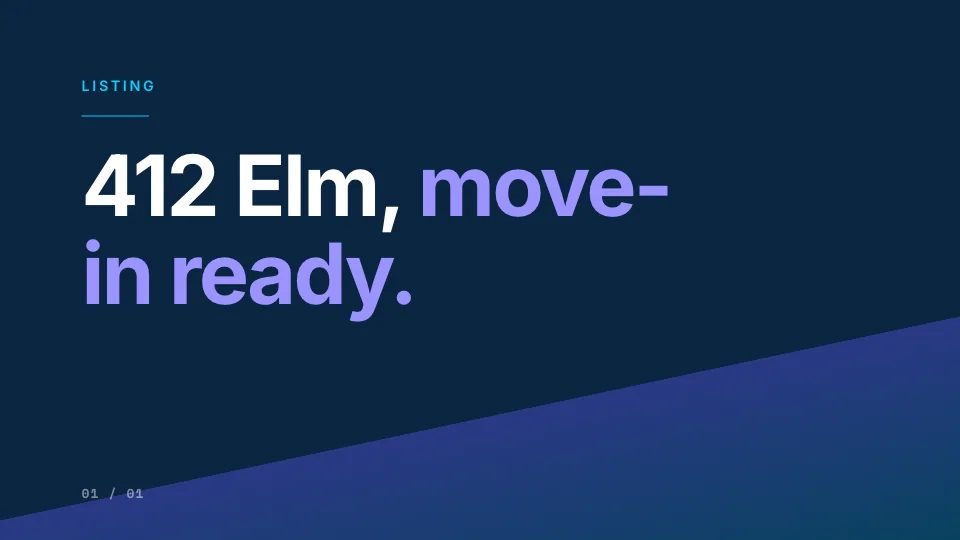
Photos, the numbers and your plan to sell, ready for the kitchen table.
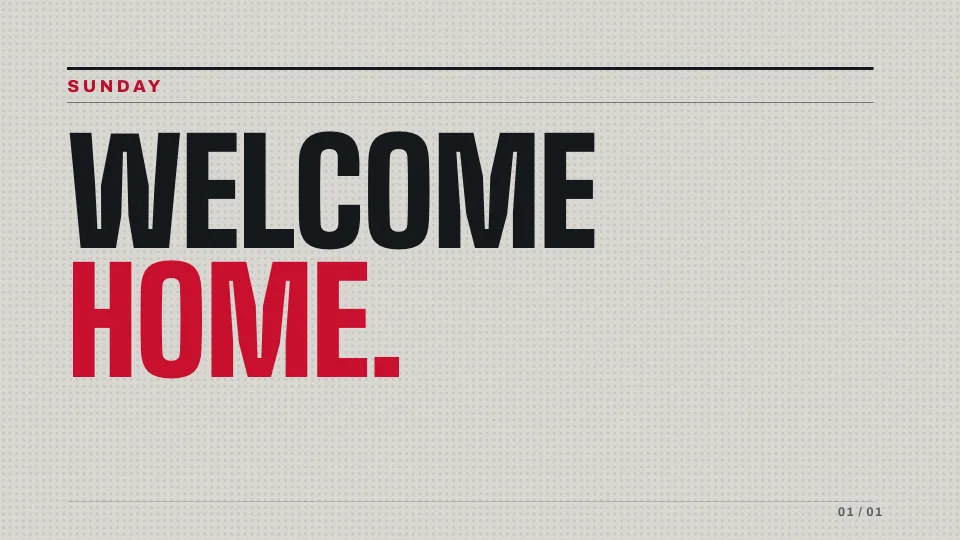
Paste the bulletin; the screen presentation is done before Sunday.

The numbers and the stories for the board, in one look.




Works even better connected
On its own, it makes presentations. Connected, the proposal already knows the job.
Inside Unite, a proposal sits on the job card with the customer, the scope and the crew. Add the customer once in the CRM and the presentation is already made out to them.